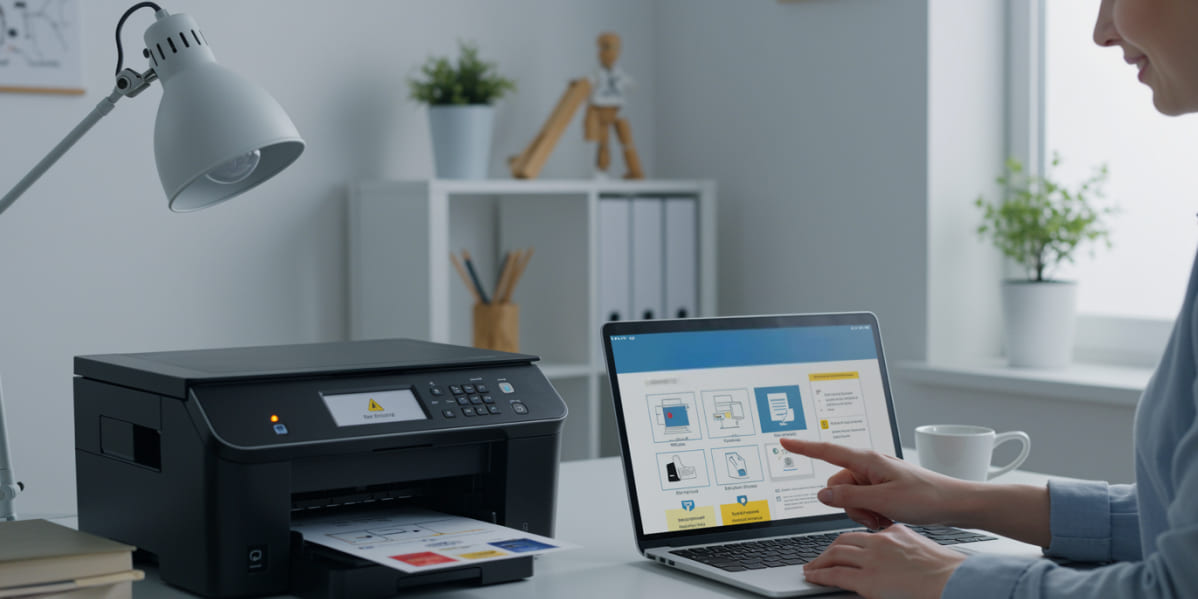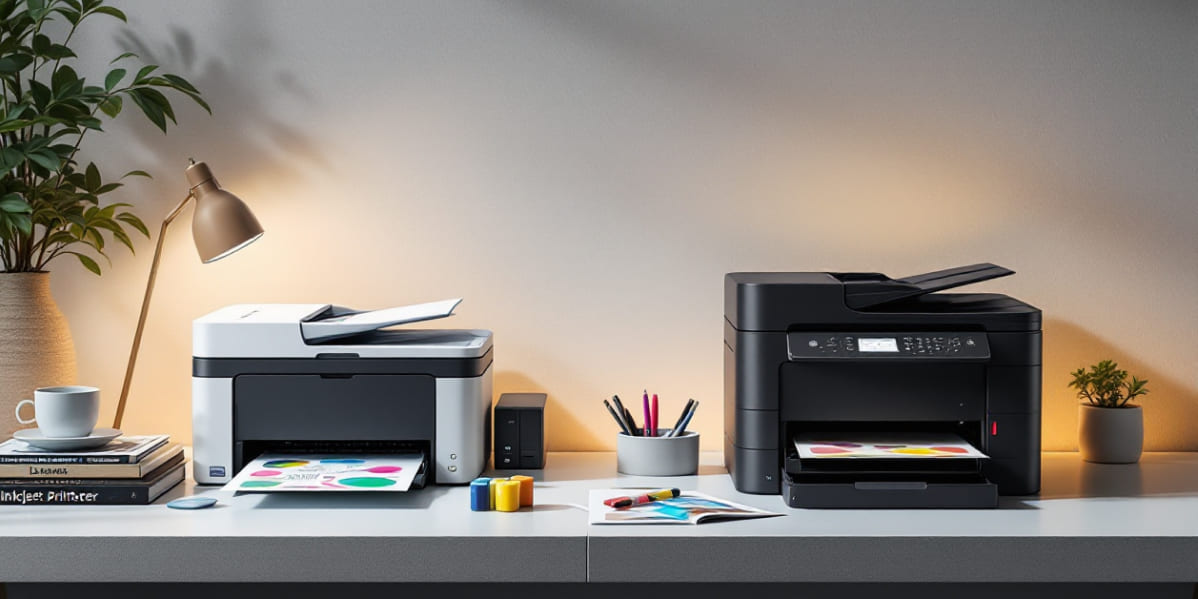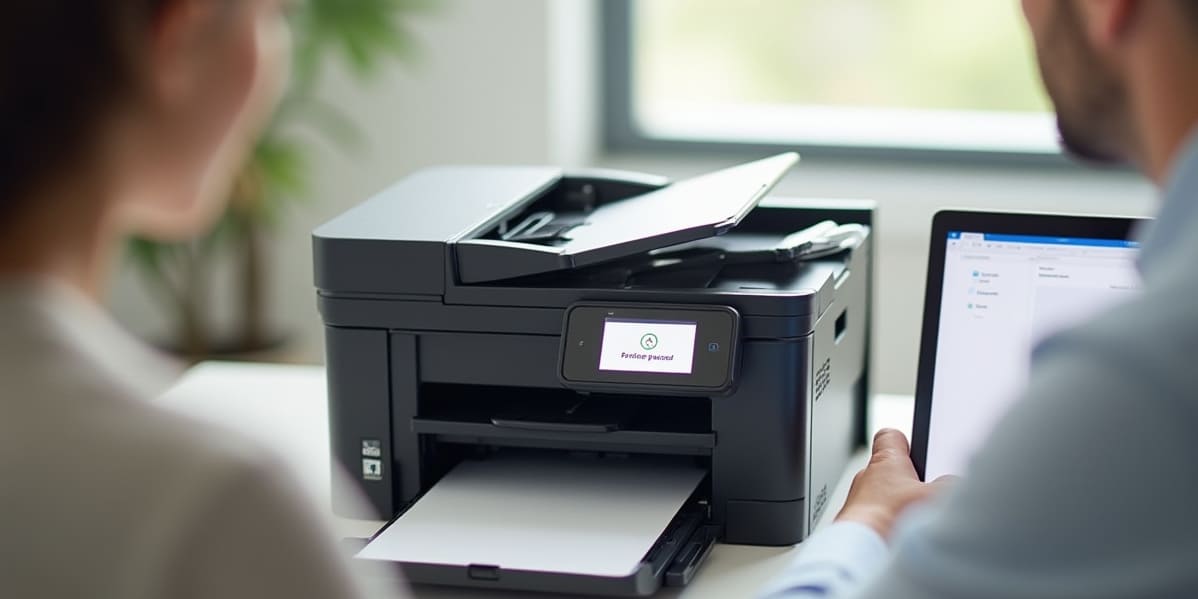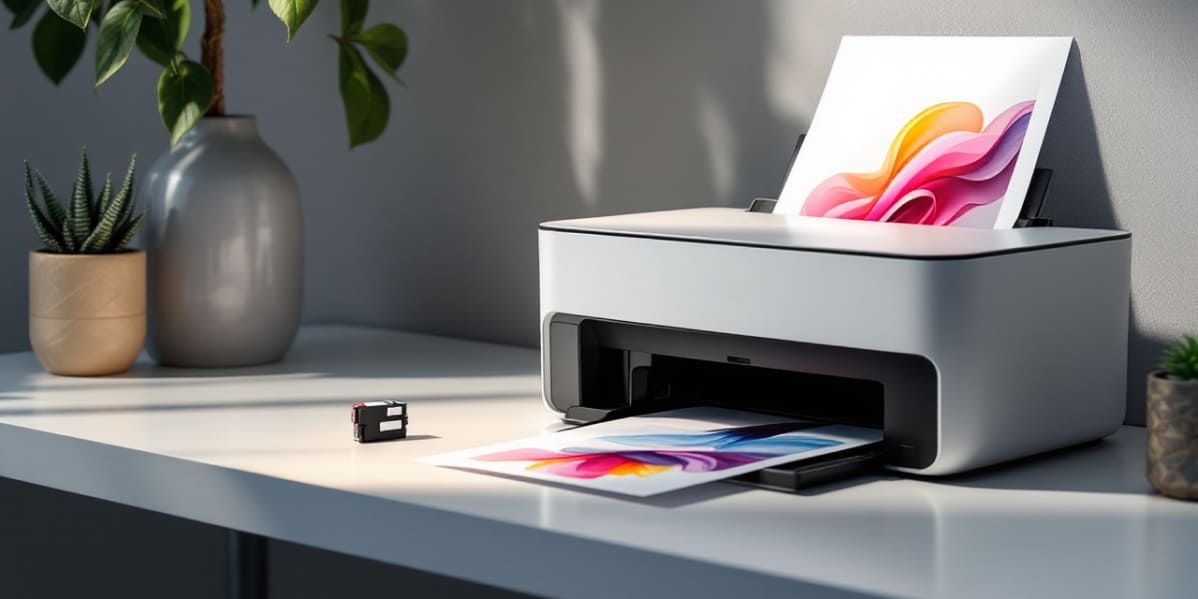
The experience of purchasing a printer can be daunting after you are surrounded by new technical lingo and specifications you do not understand. On all the product pages, there is print resolution, duty cycle, connectivity, and a lot more. These specifications are, however, necessary as they understand the way the printer will meet your needs. These terms become very easy to understand when broken down in simple terms, and it will assist you in making a confident and informed decision with regards to your buying choice.
Printer specification provides a clear image of the machine's handling. You can purchase a printer that is either too slow, too costly to operate, or inappropriate to your workload because you are uninformed about what is meant by these details mean. This part will make you see the importance of every specification, how each one will affect your performance, as well as why, in the future, reading these will save you money, time and frustration.
The number of dots per inch in print resolution measures how clear and sharp your print will be. The resolution is increased, which is better than the details, particularly in photos or graphics. Simple documents can be maintained with low resolution. Resolution knowledge will guide you on the kind of printer to buy based on your preference for professional-quality printing or simple text printing. It contributes to a significant level of print quality and general satisfaction with output.
Pages per minute indicates the rate at which a printer can be able to complete a document. The higher the number, the quicker it performs, and this is relevant when there is a heavy workload or even more so when the workload is found in an office. Home users do not require the highest speed, although it is still the determinant of the waiting time for prints. Productivity is also dependent on speed, particularly in work environments where an individual is the only person using the same printer. This knowledge will enable you to select a printer at your own speed.
Duty cycle is the number of pages that a printer is capable of printing during a month without breaking down. Businesses or users who require large amounts of printing should have a higher duty cycle. A low-duty-cycle printer is one that is best utilized in personal use or occasional use. Duty cycle knowledge eliminates the possibility of overloading the printer, but you can purchase a machine with a workload which meets your projected monthly work requirements reliably and durably.
The various ink systems used by printers include standard cartridges, tank-based systems or toner cartridges. Both solutions have an impact on cost per page and long-term warehouse costs. Print as well as print maintenance also depend on the type of ink. Once you know the mechanism of ink consumption, it becomes possible to estimate the current costs. This will save you the cost of purchasing a printer that appears cheap at first but will cost a lot to maintain in the long run.
Connectivity defines the ease of printing among various devices. The current printers have Wi-Fi and USB with mobile applications as well as Bluetooth. Home and office Wireless products are also suitable in homes and offices that have several devices. Awareness of connectivity capabilities guarantees hassle-free printing, convenient sharing, and increased flexibility. It also assists you in selecting a printer that caters to your favourite devices and does not make you angry due to connection issues whenever you are using it.
Handling of paper incorporates tray capacity, supported paper size and duplex capabilities. These are the parameters that you will use to define the frequency with which you will reload paper and the kinds of documents that you are able to print. All the printers that handle large volumes of paper well are preferred, and having small trays is preferable for occasional users. Printing of envelopes and labels or various paperweights requires compatibility. These factors are known to suit the match between the printer and your specific use.
The knowledge of printer specifications will enable you to select the correct model with a lot of confidence. All specifications give valuable details on performance, cost and long-term value. Once you understand the meanings of the resolution, speed, type of ink used, duty cycle, connectivity and the actions of handling a paper, you become smarter in your decisions. Now knowing this, you are in a position to choose a printer that best suits you and provides good results over the years.